laragon
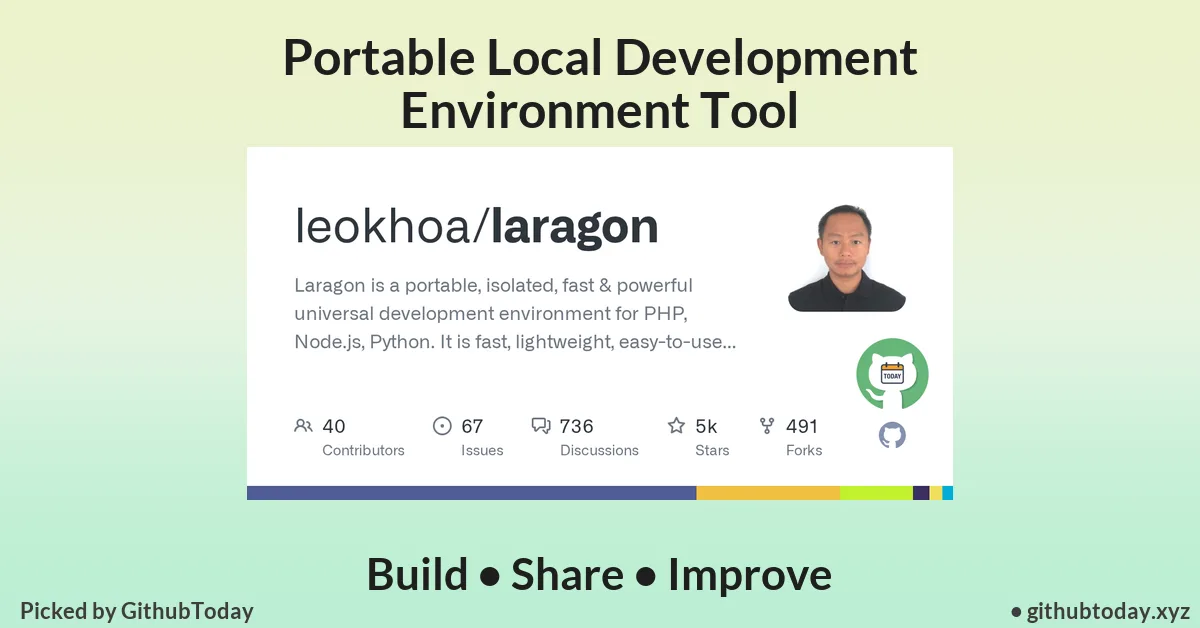
leokhoa/laragonIntroduction
Setting up a local development environment is often more frustrating than writing actual code. Between configuring web servers, managing multiple language runtimes, and avoiding system conflicts, developers lose valuable time before they even start building.
This is exactly the problem Laragon aims to solve.
If you're looking for a fast, portable, and zero-configuration development stack, Laragon GitHub offers a streamlined alternative to traditional tools like XAMPP or WAMP — with significantly better performance and flexibility.
What is Laragon?
Laragon is a universal development environment designed for developers working with PHP, Node.js, Python, and other backend technologies.
It focuses on four core principles:
Speed
Simplicity
Isolation
Portability
Unlike conventional local servers, Laragon runs as a lightweight, self-contained environment that doesn’t interfere with your operating system.
One of its standout characteristics is its extremely low resource usage. Even while running multiple services, it maintains a minimal memory footprint — making it ideal for both low-end and high-performance machines.
Key Features
Laragon isn’t just another local server tool — it’s engineered to optimize the entire development workflow.
Pretty URLs by Default
Forget using localhost/project-name.
Laragon automatically maps your projects to clean URLs like:
myapp.testapi.test
This mimics real-world production environments and simplifies testing.
Fully Portable Environment
You can move your entire development setup:
Across drives
Between computers
Into cloud storage
No reinstallation required. Everything works out of the box, making it ideal for developers who switch machines frequently.
Isolated System Architecture
Laragon runs independently of your operating system.
This ensures:
No system pollution
No dependency conflicts
Safe experimentation with different stacks
Your global environment remains untouched.
Auto Configuration System
Unlike traditional tools, Laragon handles complex configurations automatically.
You don’t need to manually edit config files to:
Add new PHP versions
Switch databases
Configure web servers
Everything is managed seamlessly behind the scenes.
Multi-Stack Support
Laragon supports a wide range of development technologies:
PHP
Node.js
Python
Apache & Nginx
MySQL, PostgreSQL, MongoDB
Switching between stacks is effortless, making it one of the best open source PHP project environments and beyond.
One-Click Operations
Laragon simplifies repetitive tasks into single-click actions:
Install WordPress instantly
Enable/disable PHP extensions
Share local projects externally
Switch web servers
This dramatically improves productivity, especially for rapid prototyping.
Technical Architecture: How It Works
Laragon takes a different approach compared to traditional local environments.
No Windows Services Dependency
Instead of relying on Windows services, Laragon uses its own service orchestration system.
This means:
Services run asynchronously
Startup is nearly instant
No system-level conflicts
Faster execution overall
Modular Design
Each component (PHP, MySQL, Nginx, etc.) is modular.
You can:
Add new versions manually
Replace services easily
Customize your stack without breaking existing setups
Resource Efficiency
Laragon’s core is extremely lightweight:
Minimal binary size
Low RAM usage
Fast startup times
This efficiency is particularly beneficial for developers running multiple tools simultaneously.
Laragon Installation Guide
If you're searching for a clean Laragon installation guide, the process is refreshingly simple.
Step-by-Step Setup
Download Laragon from its official source.
Run the installer.
Click through the setup (no complex configuration required).
Launch Laragon.
Start services with one click.
That’s it — your development environment is ready.
Optional Enhancements
Add custom PHP versions via the
bindirectoryInstall additional databases
Configure Nginx or Apache depending on your preference
Laragon automatically detects and configures everything.
Real-World Use Cases
Laragon is versatile and suitable for multiple development scenarios.
Local Web Development
Perfect for building:
PHP applications
REST APIs
CMS platforms like WordPress
Multi-Environment Testing
Run multiple versions of:
PHP
Databases
Web servers
This is critical for compatibility testing across different environments.
Client Demonstrations
With one-click sharing, you can:
Expose local projects
Show live demos to clients
Test real-world behavior
Rapid Prototyping
Laragon’s speed and simplicity make it ideal for:
MVP development
Hackathons
Quick feature testing
Who Should Use Laragon?
Laragon is particularly useful for:
PHP developers
Full-stack developers
Freelancers managing multiple projects
Agencies building client websites
Developers working across different stacks
It’s especially valuable if you want a clean, fast, and portable development workflow.
Advantages & Limitations
Advantages
Extremely lightweight and fast
No system pollution
Portable across machines
Minimal configuration required
Supports multiple programming stacks
Developer-friendly UI and workflow
Limitations
Primarily optimized for Windows
Licensing requirement in newer versions
Smaller ecosystem compared to Docker-based workflows
While it may not replace containerized environments for enterprise DevOps, it excels in local development scenarios.
Why Laragon GitHub is Worth Exploring
Laragon GitHub showcases a thoughtfully designed development tool that prioritizes developer experience.
Its architecture reflects:
Performance-first engineering
Practical usability
Minimal complexity
For developers tired of bloated local environments, Laragon provides a clean and efficient alternative.
Final Verdict
Laragon stands out as a powerful yet lightweight development environment that removes friction from local development.
It doesn’t try to be overly complex. Instead, it focuses on what developers actually need:
Speed
Simplicity
Flexibility
If you're searching for a fast, portable, and reliable setup, Laragon is easily one of the best open source PHP project environments available today.
Explore the Project
Interested in trying it out?
Visit Laragon GitHub to download, explore features, and see how it can transform your development workflow.